Software to Automate Invoices: A Practical Guide
Software to automate invoices helps small business owners like you manage sales records, track payments, and streamline financial operations more efficiently than manual systems. By switching to an automated invoicing solution, you can save time, reduce human errors, and get a clearer picture of your shop's finances in Nigeria, Kenya, and Ghana.
How Can Invoice Automation Help My Shop?
Are you tired of spending hours every week writing out receipts or manually tracking who owes you money? Many shop owners across Lagos, Nairobi, and Accra face similar challenges. Automating your invoicing process brings several key benefits:
- Saves Time: Generate invoices in seconds instead of minutes. This means more time for serving customers or managing inventory.
- Reduces Errors: Minimise mistakes from manual calculations or data entry that often occur with paper ledgers or spreadsheets.
- Improves Cash Flow: Easily send reminders for outstanding payments, helping you collect money faster. Knowing exactly who owes what, and when, is crucial for financial stability.
- Better Record-Keeping: Keep digital records of all transactions, making accounting and reconciliation simpler. This is vital for managing finances and fulfilling regulatory requirements.
- Professional Image: Present professional-looking invoices to customers, building trust and enhancing your brand perception.
For example, a provision store in Ibadan, Nigeria, often sells goods on credit to regular customers. Manually, the owner might use a physical ledger. Let's say:
- Customer A buys goods worth N2,500 on Monday.
- Customer B buys goods worth N4,000 on Tuesday.
- Customer C buys goods worth N1,500 on Wednesday.
- Customer A returns on Friday and pays N1,500 of their debt.
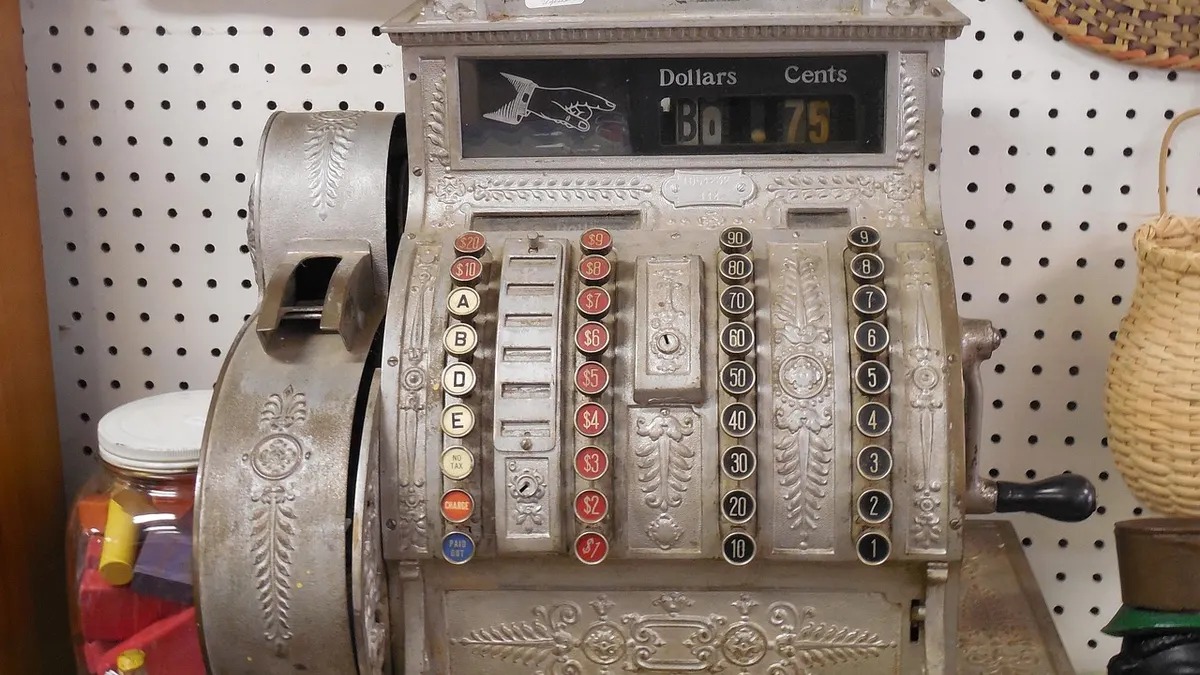
With manual invoicing, the owner must find each customer's entry, update the balance, and create a receipt. If they forget an entry or miscalculate, the balance is wrong, leading to potential disputes or losses. With an automated system:
- When Customer A buys N2,500, a digital invoice is created instantly, and their outstanding balance is updated in the system.
- The same process applies to Customer B (N4,000) and Customer C (N1,500).
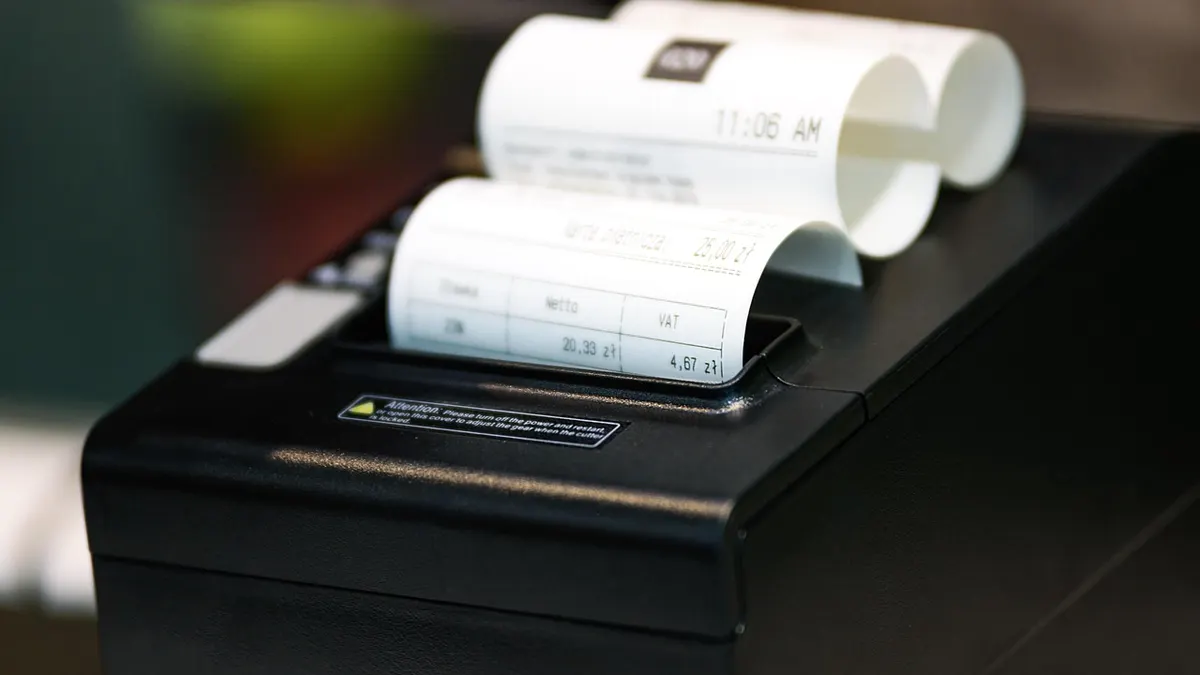
- When Customer A pays N1,500, the payment is recorded against their invoice, and their balance automatically adjusts to N1,000. The system can immediately generate a payment receipt for Customer A.
This automation ensures accurate, real-time tracking of debts and payments, saving time and preventing common errors and disputes over outstanding amounts.
What Are the First Steps to Automating Invoices?
Transitioning from manual to automated invoicing doesn't have to be complicated. Here’s a practical guide:
- Assess Your Current Process:
- How do you currently create invoices (handwritten, spreadsheet)?
- How do you track payments and outstanding debts?
- What are the biggest challenges you face with your current system?
Understanding your current workflow helps identify areas where automation will have the most impact.
- Define Your Requirements:
- Do you need to manage inventory alongside invoicing?
- Will you need to track specific customer purchase histories?
- What kind of reports do you need (sales, outstanding debts, profit)?
- How many invoices do you issue weekly or monthly?
These questions will guide you in selecting a suitable software solution.
- Prepare Your Data:
Before you start, gather key information:
- Customer List: Names, contact details, any credit limits.
- Product/Service List: Items you sell, their prices, and stock levels if applicable.
- Outstanding Invoices: A clear list of who owes you money and how much.
Having this information ready makes setting up your new system much smoother.
- Explore Options (No purchase yet!):
Look for software that is user-friendly and designed for small businesses. Consider features like:
- Ease of use on a phone or tablet, common for shop owners in Ghana.
- Ability to handle local currency (Naira, Kenyan Shilling, Ghanaian Cedi).
- Reporting features that give you insights into your sales and debtor management.
Focus on understanding what's available without committing to any particular product.
- Test with a Small Scale:
Once you narrow down options, try to use one for a short period with a limited set of transactions or customers. This helps you get comfortable with the system and iron out any initial challenges before a full rollout.
How Do I Choose the Right Invoicing Tool?
Choosing the right software is crucial for long-term success. Keep these points in mind:
- Simplicity: Look for software that is easy to learn and use. You and your staff should be able to navigate it without extensive training.
- Accessibility: Can you access it from your smartphone or tablet? Many shop owners in Kenya operate on the go, making mobile accessibility key.
- Offline Capability: In areas with inconsistent internet access, an app that works offline and syncs later can be very useful.
- Scalability: Will the software grow with your business? As your shop expands, you want a system that can handle more customers and transactions without needing a complete overhaul.
- Support: Check what kind of customer support is available. Can you get help when you encounter issues?
- Security: Ensure the software protects your financial data and customer information. This is paramount for any digital record-keeping.
Remember to consult official bodies like the Federal Inland Revenue Service (FIRS) in Nigeria for any specific record-keeping requirements relevant to your business type. For general best practices in business record keeping, resources like the U.S. Small Business Administration offer valuable guidance.
What Common Mistakes Should I Avoid?
While automating invoices can greatly benefit your business, watch out for these common pitfalls:
- Not Backing Up Data: Always ensure your data is regularly backed up. A power outage or device malfunction could lead to significant data loss if not properly secured.
- Ignoring Staff Training: Even the most intuitive software requires some training. Ensure all staff who will use the system are comfortable with it. Lack of training can lead to incorrect entries or underutilisation of features.
- Overcomplicating the System: Start with basic invoicing needs and add more features as your business demands. Don't choose an overly complex system if your shop only needs simple sales and debtor tracking.
- Skipping Data Migration Checks: When moving from a manual system, double-check that all customer balances and product details are accurately transferred to the new software. Errors during migration can create lasting problems.
- Not Reviewing Reports: Automated software generates useful reports. Don't just use it for invoicing; regularly review sales, profit, and outstanding payment reports to make informed business decisions.
For more insights on automating various aspects of your business, you might find articles like How to Automate My Business: A Guide for Shop Owners and Website to automate business tasks in Africa helpful.
Are There Affordable Options for Small Shops?
Many shop owners worry about the cost and complexity of new technology. However, there are solutions designed specifically for businesses in Africa. For instance, AurionBook is a shop management app built for small and medium business owners. It can help you record sales, track inventory, calculate profits, monitor debtors, and manage staff. For businesses looking to automate their invoicing and other core operations, tools like AurionBook provide a practical and accessible starting point.
What's My Next Step?
Begin by taking stock of your current invoicing process and listing your top three pain points. This clear understanding will empower you to research solutions that directly address your specific challenges.
Frequently asked questions
What is invoice automation software?
Invoice automation software is a digital tool that streamlines the process of creating, sending, and tracking invoices for businesses. It replaces manual tasks like writing out receipts or calculating totals, making financial operations faster and more accurate.
Is invoice automation suitable for small shops and supermarkets?
Yes, absolutely. Small shops and supermarkets in Nigeria, Kenya, and Ghana can greatly benefit from invoice automation. It helps them manage credit sales, track inventory, reduce errors, and maintain professional records without needing a large accounting department.
Can I use invoice automation on my phone?
Many modern invoice automation solutions are designed with mobile-first approaches, allowing you to create and manage invoices directly from your smartphone or tablet. This flexibility is ideal for busy shop owners who need to manage their business on the go.
What are the key benefits of automating invoices for my business?
Automating invoices can save you significant time, reduce costly human errors in calculations and record-keeping, improve cash flow by simplifying debtor management, and enhance your business's professional image with consistent, clear invoices.